Laser Engraving Information
Our soft and lightweight silicone pet tags can be individually engraved on the back upon request.
This allows you to permanently engrave details such as the pet’s name, the owner’s name, and important emergency information like a phone number or email address.
For optimal readability, we recommend using a maximum of 4 lines of text, as the flexible material requires a slightly larger engraving area.
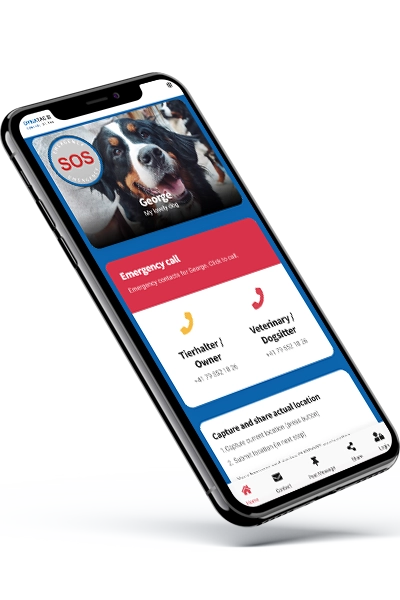
Additional or confidential information (e.g., address, veterinarian, medication) can be securely stored on the dedicated Swiss DynaTag cloud platform. These details can be accessed at any time via the engraved QR code and updated instantly online – without the need to create a new tag.
- Permanent, high-contrast laser engraving without color application
- Swiss-quality precision engraving
- Resistant to fading, water, and sunlight
- Customizable for each tag

Fonts and Sizes
To ensure optimal text readability, we offer specially selected fonts: sans-serif (without decorative elements) and bold. These fonts are particularly well suited for engraving.

Text suggestions
In principle, all texts and languages can be engraved according to your specifications.
We recommend including the following information:
- Dog or pet name (call name)
- Name of the pet owner
- Emergency phone number with international dialing code (e.g. +41 79 …)
- Address (this can be better stored on the QR code)
- Special behavior or precautionary notes
How it works
You can enter your desired engraving text directly here in the webshop in just a few simple steps and add it to your order.
- Select an engravable product in the webshop
- Click on the "Personalization" button. A new window will open.
- Select your font and type your text into the text box. Then click on “Add” and place the text within the displayed field. IMPORTANT: The entire text must fit inside the text area.
- You can adjust the font size using the A- button.
- More text or additional lines? Simply click the “New Text” button to add more text (you can also choose a different font).
- Once you are satisfied with the text and its placement in the field, click the “ADD TO CART” button.