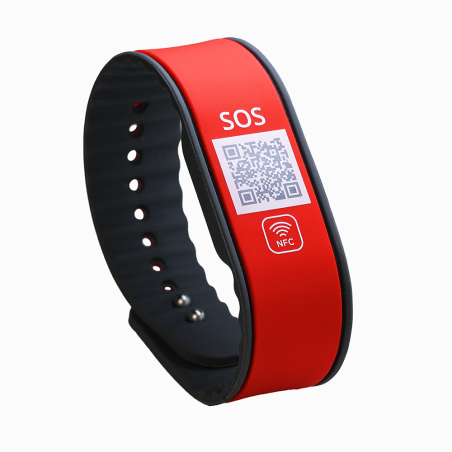
Silicone emergency bracelets

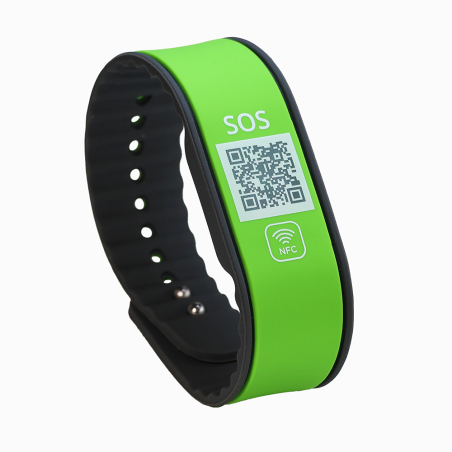
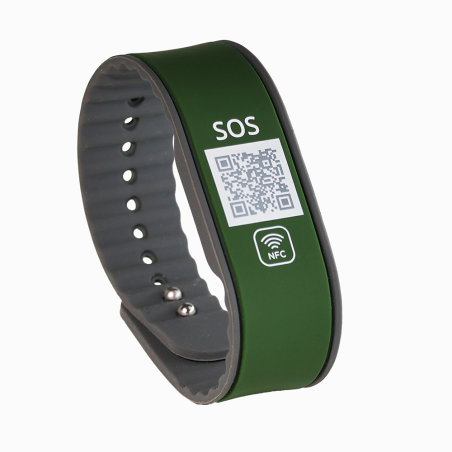
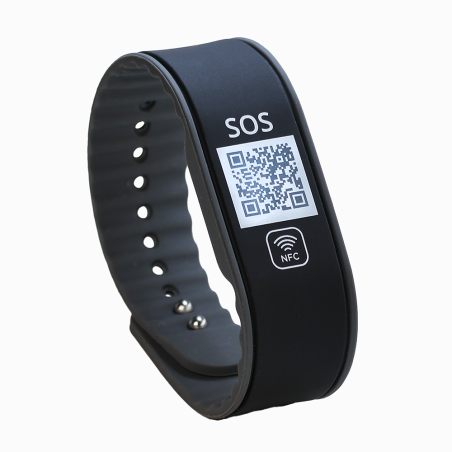
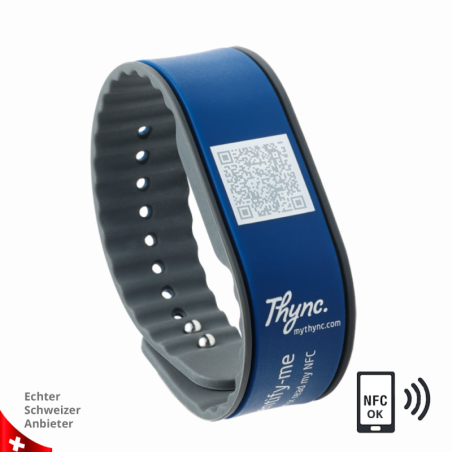
Silicone emergency wristbands with a QR code connect a flexible wristband to your digital emergency profile. Explore different colours and designs and choose the right model for your everyday life.

Your wristband. Your information.

Flexible on your wrist. Connected to your profile.

A silicone emergency wristband accompanies you throughout your day and provides access to your digital emergency profile through a QR code. Add the information and contact people you want to make accessible in an emergency and keep your details up to date.

Simply scan

The QR code leads to the linked online profile. No dedicated app is needed to scan it. An internet connection is required to view the profile.

Add what matters

Add emergency information and contact people to your profile. After setting it up, check which details are visible when the code is scanned.

Keep your details up to date

A new phone number or a different contact person? Update your details online and continue using your existing wristband.

Choosing your wristband

Which silicone wristband is right for you?

The right fit and an easy-to-use design are key to a wristband you enjoy wearing. Compare the information on each product page.

  • Size and fit: measure your wrist circumference and check the model’s sizing information and adjustment range, where applicable.
  • Design: compare the band shape, fastening and QR element. Choose a version you can easily put on and use.
  • Use and care: follow the information for the complete product, including the QR element and fastening. Suitability for water or sport depends on the particular model.

Digital profile

Set up your profile and stay connected.

  1. Activate the product and link it to your user account.
  2. Add emergency information and contact people.
  3. Scan the QR code yourself and check the details displayed.

The basic digital service period is generally five years from the first activation, unless otherwise stated for the product. Additional services are available as optional purchases.

Good to know

Frequently asked questions about silicone emergency wristbands

Do I need an app to scan the code?

No. A compatible smartphone camera can scan the QR code. The linked profile opens in the browser. An internet connection is required.

Which information is visible when the code is scanned?

This depends on your profile settings and the available features. Add the details you wish to share, then scan the code yourself to check what is displayed.

Can I change my details later?

Yes. You can update the information in your online profile. The QR code on your wristband stays the same.

Can I wear my silicone wristband during sport or in water?

Refer to the information for your chosen model. The properties of the complete wristband, including the QR element and fastening, matter. Follow the product instructions for cleaning and care, and regularly check the fit, condition and readability of the QR code.

Does an emergency wristband replace a call to the emergency services?

No. The wristband can make additional information available. It does not make an emergency call itself and does not replace first aid or professional medical care.

Questions about choosing or setting up your wristband?

Our team will be happy to help.

Contact DynaTag